-
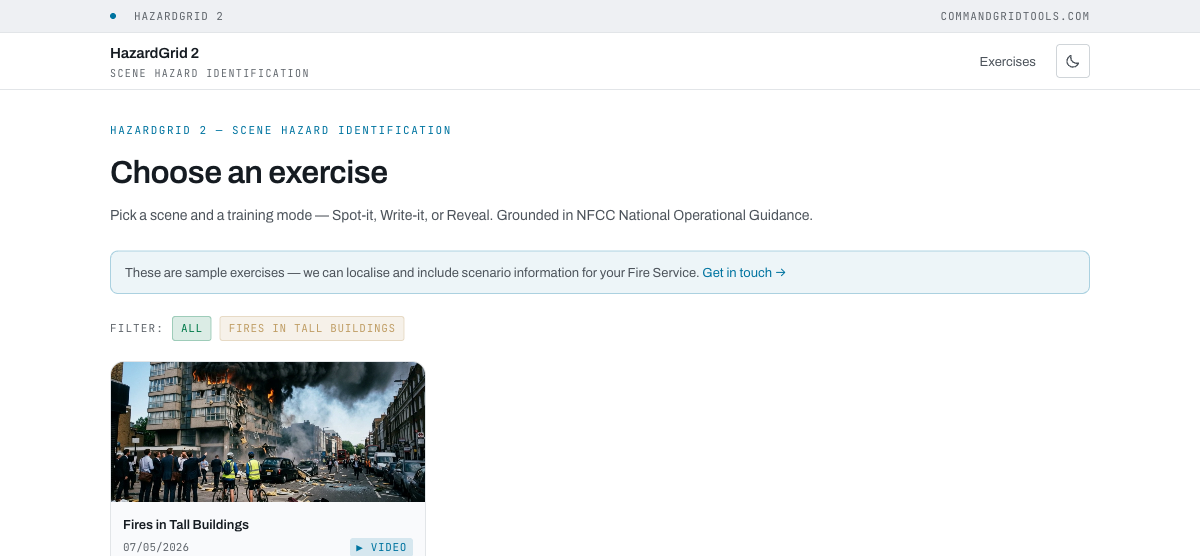
1Pick an exercise
The library shows scenes that have an arrival video — click a card and choose DRA Journey, the primary action (Spot-it, Write-it and Reveal are also available on the same card).
-
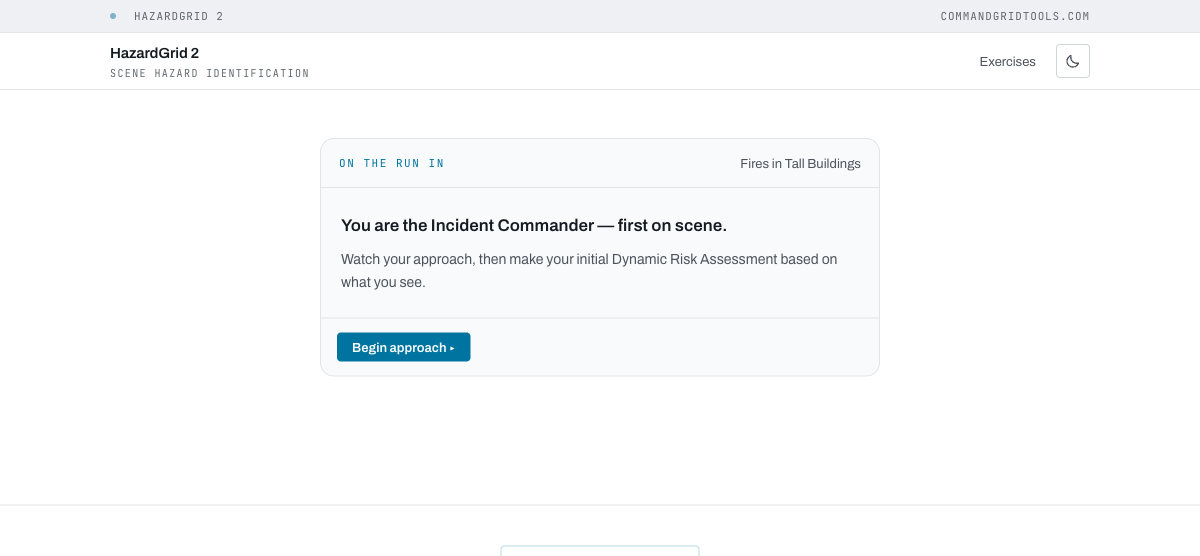
2Watch your approach
You're briefed as the Incident Commander, first on scene. Every scene opens with the information from Control. On scenes with an arrival video, click Begin approach to watch the drive-up; otherwise click Arrive at scene.
-
3Work through five stages
Identify hazards from the scene → locate each one in the picture (click, tap, or use the arrow keys and Enter) → weigh the risk: decide what is at stake (saveable life, saveable property only, or already lost) and then what each hazard means for crews (standard procedures, additional controls, or keep crews out) → pick control measures → make command decisions (tactical mode, priorities, resources). Each stage gives immediate feedback with NOG-referenced rationale before you continue.
-
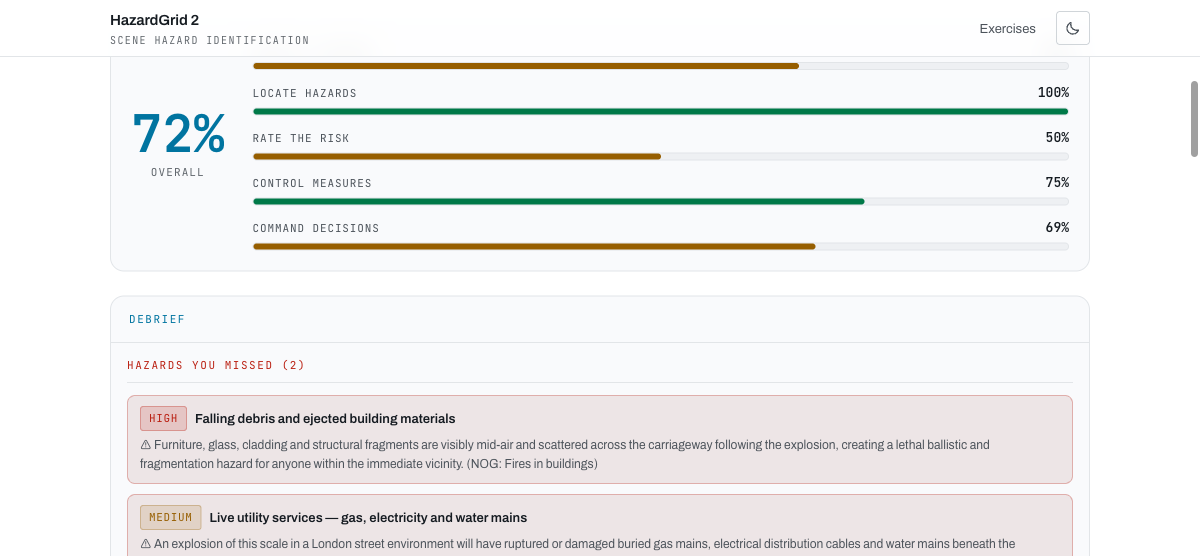
4Review your results
The results screen scores each of the five stages separately and averages them into an overall percentage, followed by a debrief listing what you missed with rationale.
?admin to the app URL and enter the shared admin key. This unlocks a "Generate (admin)" nav link.