Quick Start
-
1Pick a quiz
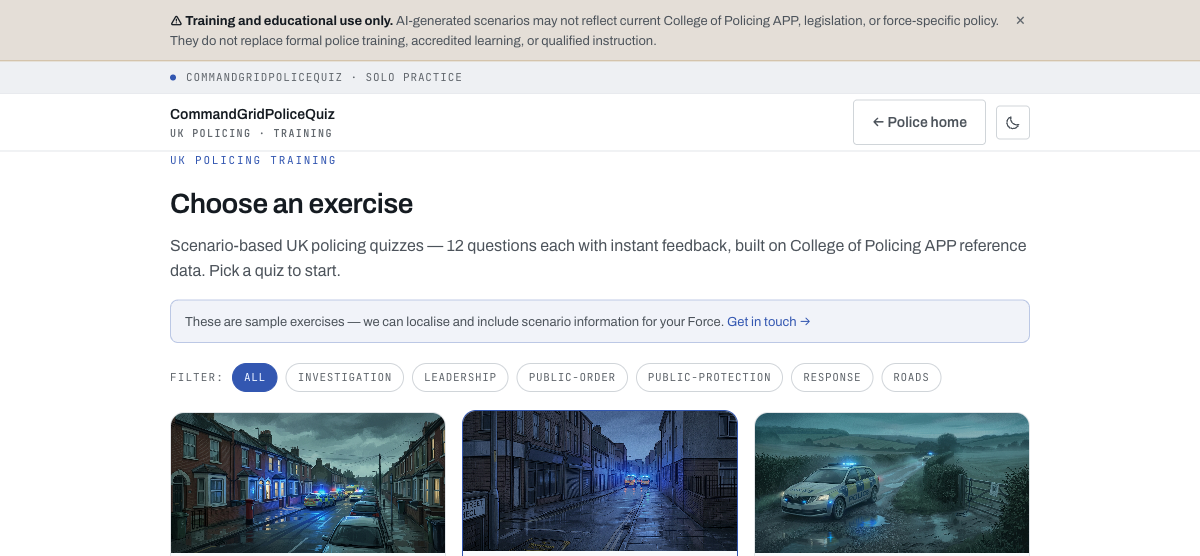
Browse the library and filter by category — investigation, leadership, public order, public protection, response or roads. Click a card to start.
-
2Read the situation, then answer
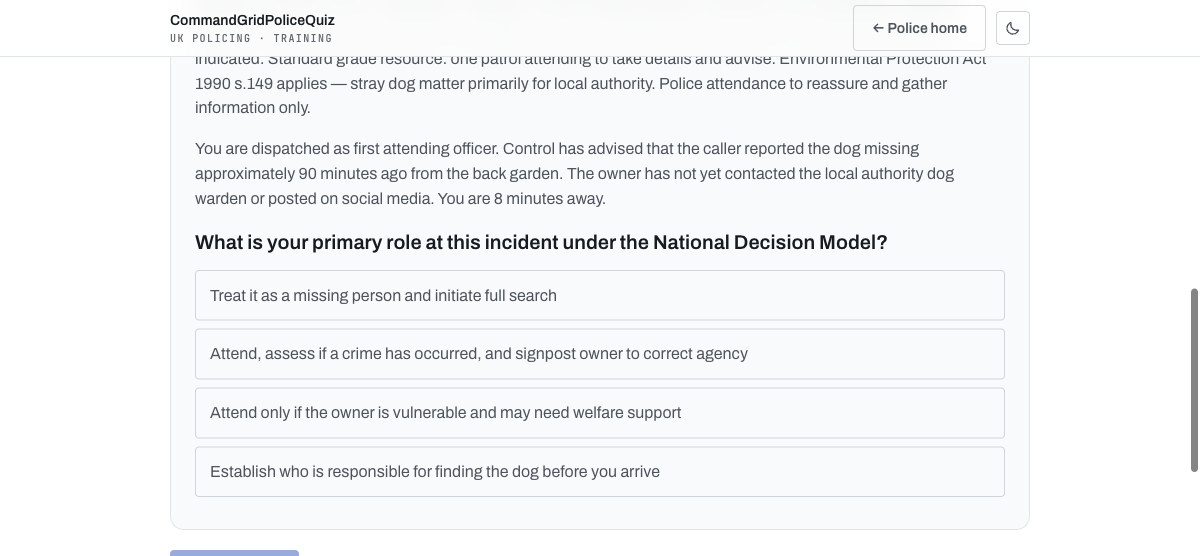
Question 1 opens with a briefing image and a Control dispatch message. Each of the 12 questions moves the incident forward — read the update, then answer before clicking Check answer.
-
3See the explanation immediately
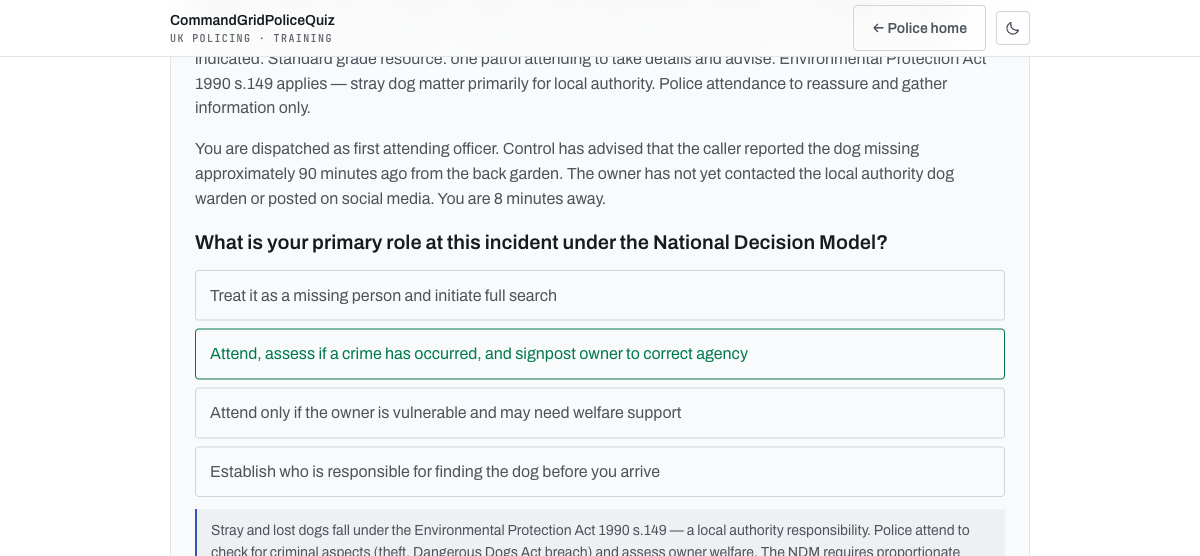
The correct option highlights green and an explanation appears, referencing College of Policing APP doctrine and the National Decision Model. Click Next question to continue.
-
4Review your results
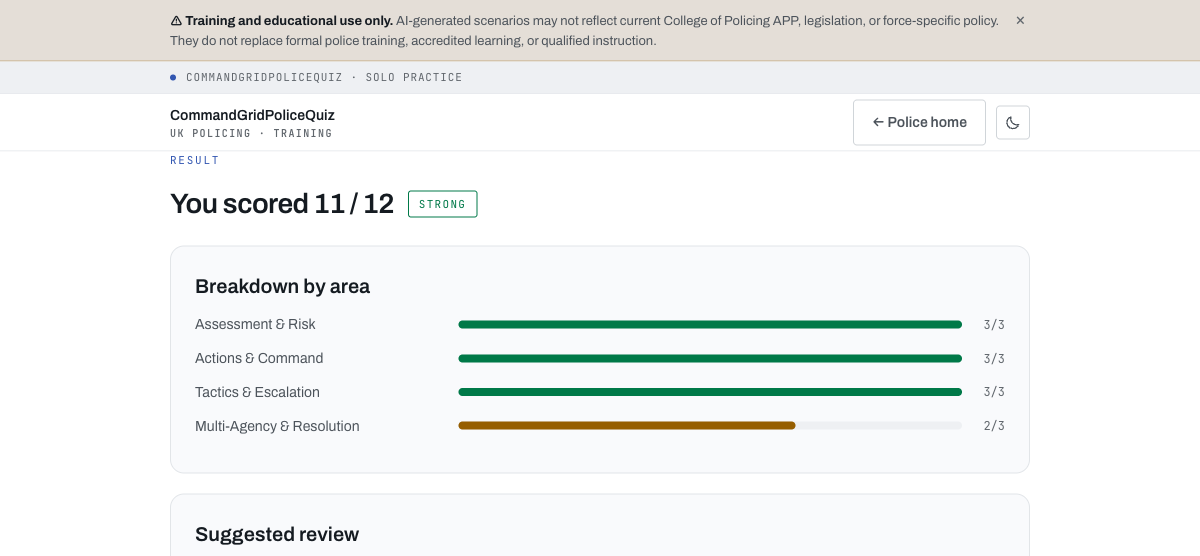
After question 12, see your score, a competency band, and a breakdown across four grouped areas — plus a suggested review list of any questions you missed.
Answer Types
Multiple choice — tap one option
True / False — tap your answer
Multi-select — tap all correct, then Check answer
Scoring & Competency Areas
| Band | Score |
|---|---|
| Excellent | 92% or higher |
| Strong | 75% or higher |
| Competent | 50% or higher |
| Developing | below 50% |
No points or speed bonus — unlike CommandGridQuiz, this is straightforward correct/incorrect scoring with no timer. The 12 questions are grouped into four competency areas (three questions each): Assessment & Risk, Actions & Command, Tactics & Escalation, and Multi-Agency & Resolution — shown as a per-area breakdown on your results screen.
For Administrators
Unlocking the quiz generator
Append
?admin to the app URL and enter the shared admin key when prompted, then use "+ Generate new quiz (admin)" from the library.
Generating a quiz
Choose a category, describe the topic (free text, with example prompts), optionally add force/area context, and pick a difficulty. Generation streams live and the quiz auto-plays as soon as it's ready.
Auto-saved to the library
There's no separate publish step — a generated quiz is saved to the shared library the moment it's created, which avoids duplicate entries.
QA review flag
A library card marked "⚠ review" means the answer-key verifier flagged something worth checking before relying on that quiz for training.