-
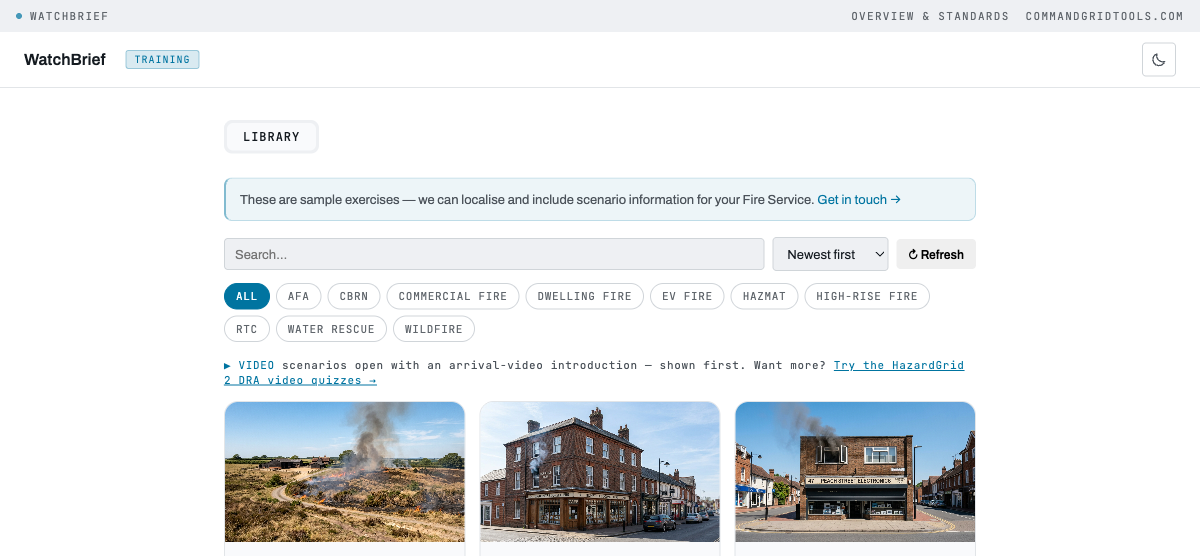
1Browse the library
WatchBrief opens on the Library tab — search or filter sample scenarios by service, IC level, terrain or incident type. Scenarios with an arrival video are shown first.
-
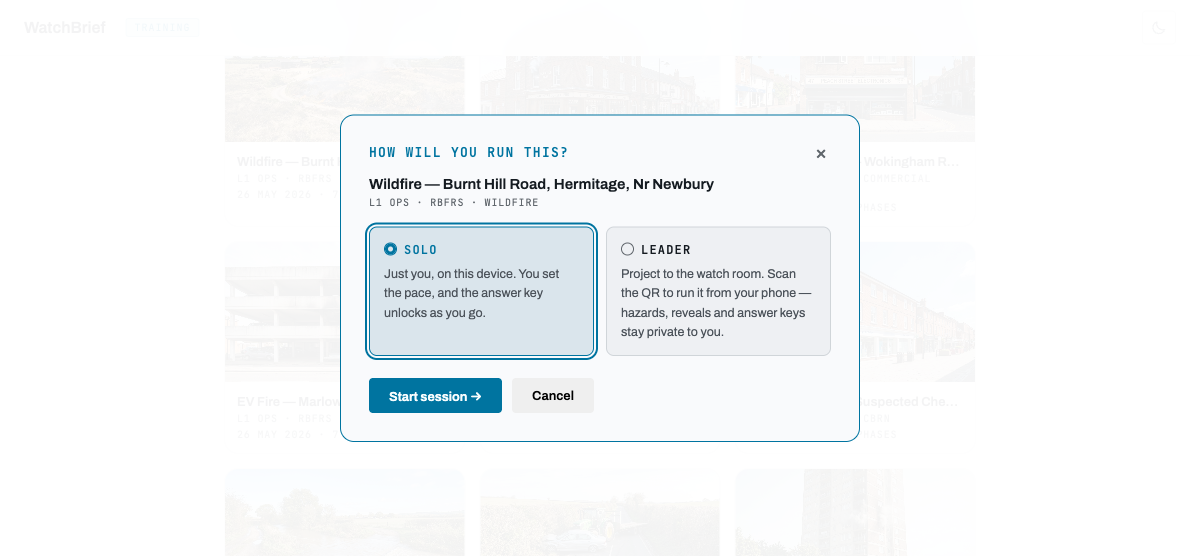
2Choose how you'll run it
Click a scenario card and pick Solo or Leader.
-
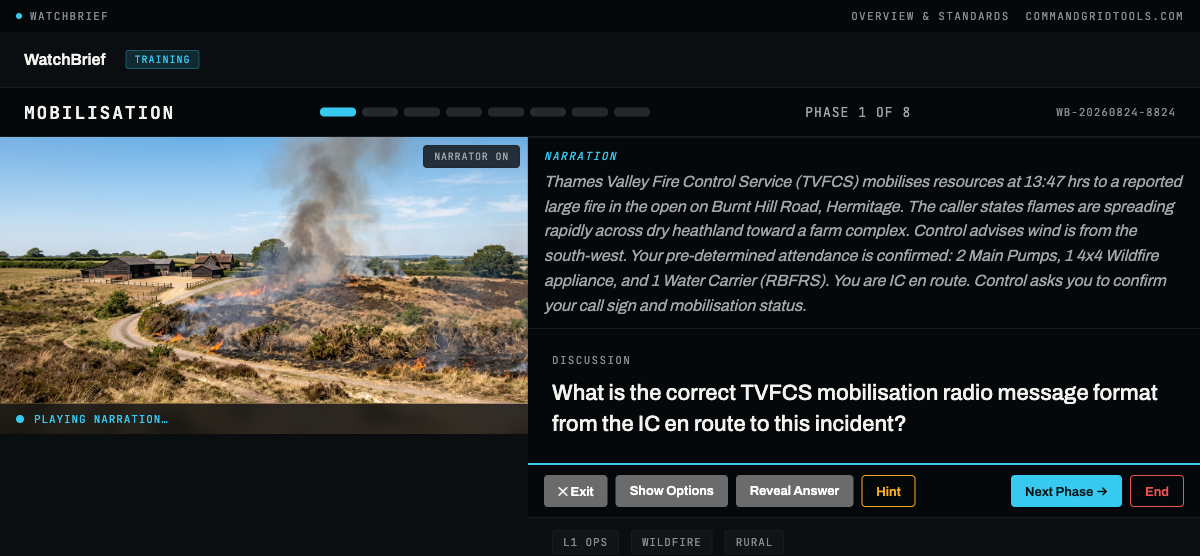
3Work through the phases
Each phase opens with narration and a scene image, then a discussion question. Answer it, reveal the answer key and explanation, and move to the next phase — a realistic incident narrative from mobilisation through to stand-down.
-
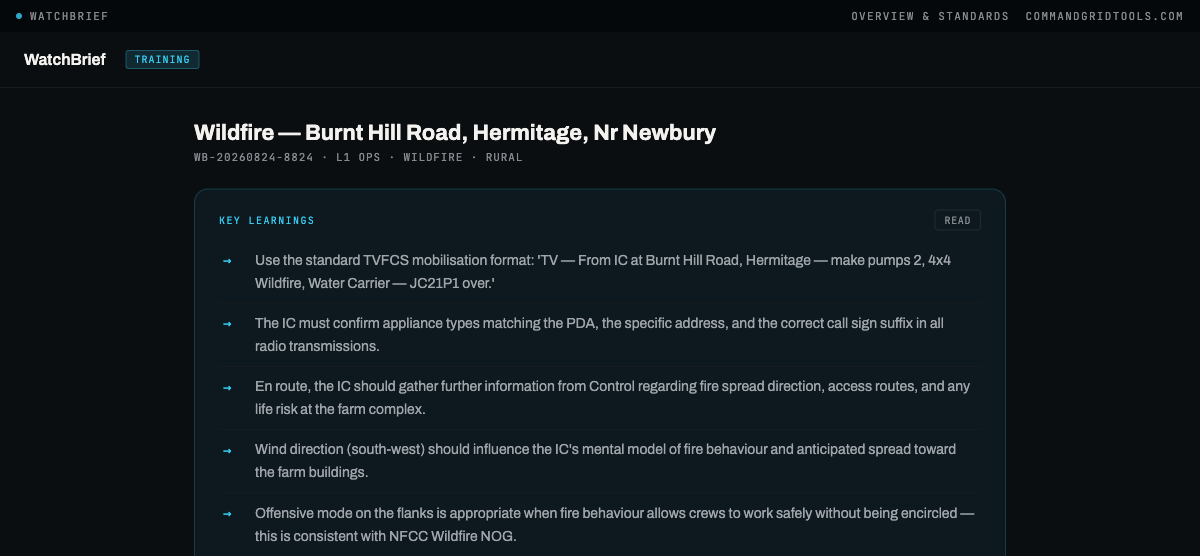
4Review the debrief
Ending a session shows Key Learnings, Reflection prompts and (where questions were answered) a Crew Performance summary — how many discussion questions matched the answer key, and which phases are worth revisiting.
Everything runs on one device. You set the pace yourself — read the narration, answer the discussion question, and reveal the answer when you're ready. The answer key unlocks as you go.
Projects to the watch room on a shared screen. Scan the QR code to open a private leader panel on your phone — reveal hazards, control measures and answers from there while the group display stays clean. Answer keys stay private to you throughout.
?admin to the app URL and enter the shared admin key. This unlocks the Quick start and Guided setup tabs, which are hidden from normal visitors — only the Library tab is public by default.