Inside an XVR Simulation scenario file
Ever wondered how XVR Simulation works under the bonnet?
What is inside the package
An XVR Simulation scenario is a zip archive wrapped around one very large text document, and everything you see in the simulator is written down in it. Each .xscn file is an XVR scenario package: a zip archive in the Open Packaging Conventions (OPC) format — the same container Microsoft Office uses for a .docx.
Ours range from about 160 KB to a little over 5 MB. A straightforward training scenario holds 13 entries, a large multi-agency one 27. Most are small: a content-types manifest, relationship parts, three JSON descriptors, and any custom content the scenario carries, such as an MP3 of turn-out tones.
One file matters: snapshot.xml
One entry matters far more than the rest — snapshot.xml is the scenario. Every appliance, casualty, marker, task and event exists in there as text, each carrying a globally unique identifier (GUID). It grows with the incident. Two of ours, at either end of the range:
| In the file | Commercial premises fire | RTC with CBRN |
|---|---|---|
snapshot.xml |
1.2 MB | 6.4 MB |
| Lines | 37,862 | 202,203 |
| GUIDs | 2,498 | 19,484 |
| Named items | — | 6,130 |
About thirty modules, each owning one kind of thing
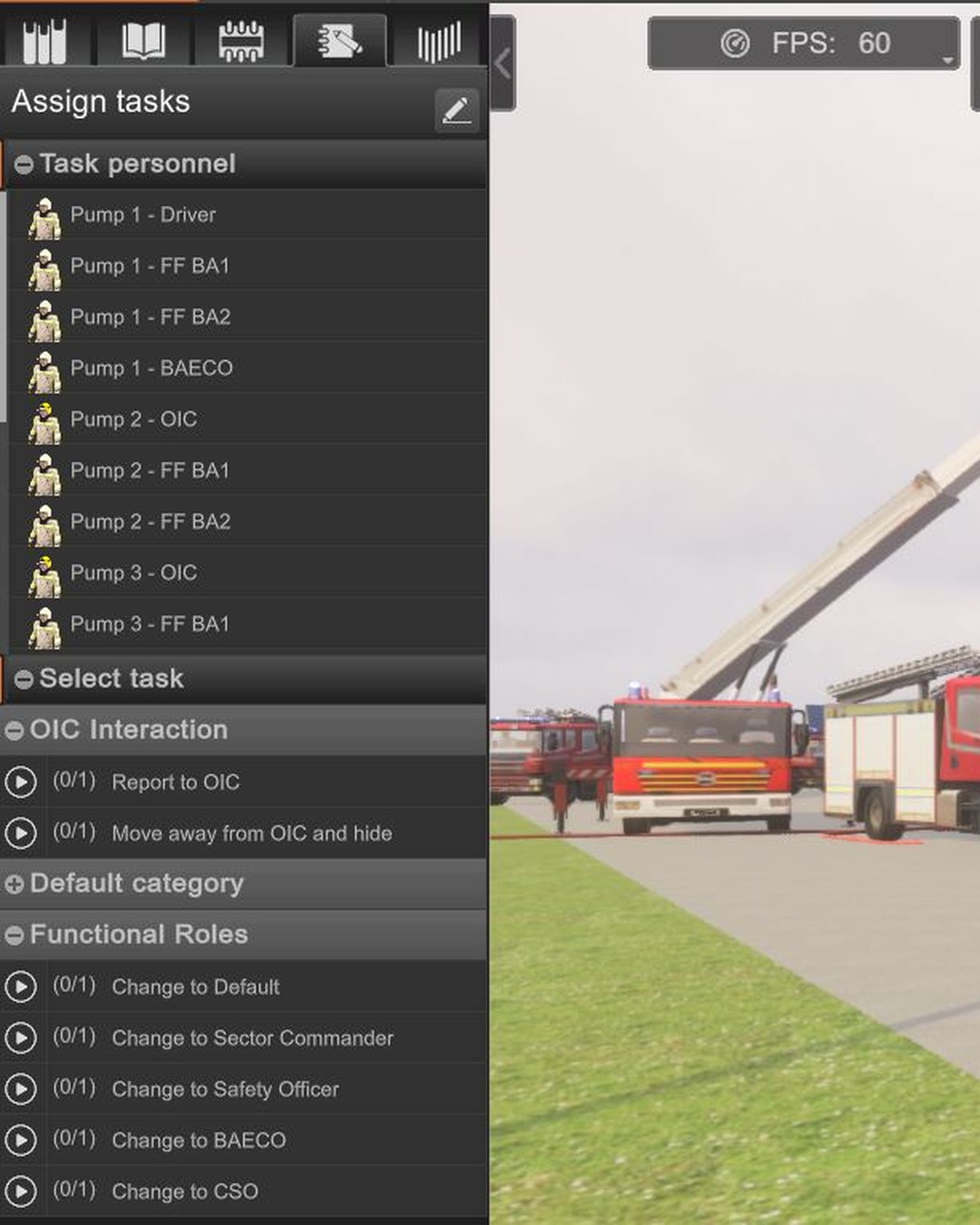
It is organised into about thirty modules, each owning one kind of thing. The item module holds every object placed on the map; the state module the appearance and posture states a character can be put into. The event module holds the instructor's event list, the deployment module the tasks an operator clicks on a selected character, and the path module the drive routes.
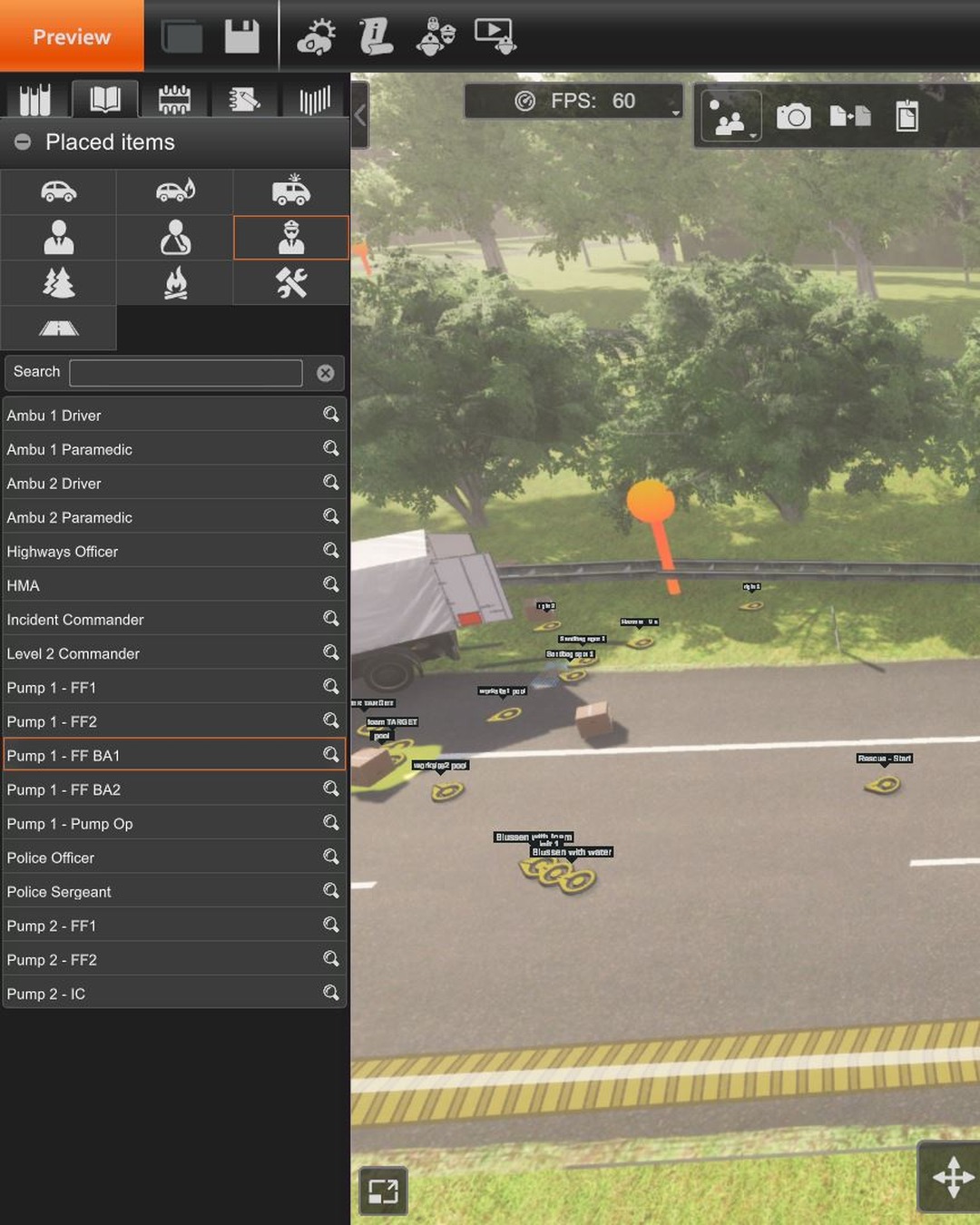
There are further modules for weather, traffic, victims, navigation mesh, popups, roles and sound. Actions live in a dictionary of key/value pairs, where the key must equal the GUID inside its own value.
Treating a scenario as a database
Knowing this allows the scenario creator, with the aid of a good AI harness and model such as Claude Code or Codex, to update a collection of scenario files quickly, sort the tables, rename to a standard convention, clone an event or task across scenarios, and many more useful edits that would take months in the GUI. Having standard names and characters always in the same order makes running scenarios much easier for our various XVR operators.
This isn't officially supported — it's the product of my own poking around inside the files, entirely experimental, and it could break in ways I haven't hit yet. I always back up the original scenarios before touching anything, then load and test, test, test after every change.
None of it is documented, but all of it is recoverable from the files themselves. Treat a scenario as a database rather than a drawing, and much of what looks unfixable becomes tractable.