Free fire service quizzes.
No account. Play now.
CommandGrid: scenario, hazard and command quizzes for UK firefighters. Built by someone who works in the service.
Every quiz opens in the browser on any phone or tablet. Free to play, no sign-up. Training managers: the same quizzes can be written for your own service — see below.
Pick one. You'll be answering in under a minute.
Three quiz tools, each a different kind of practice. Nothing to install and no account — open one on the station tablet or your own phone.
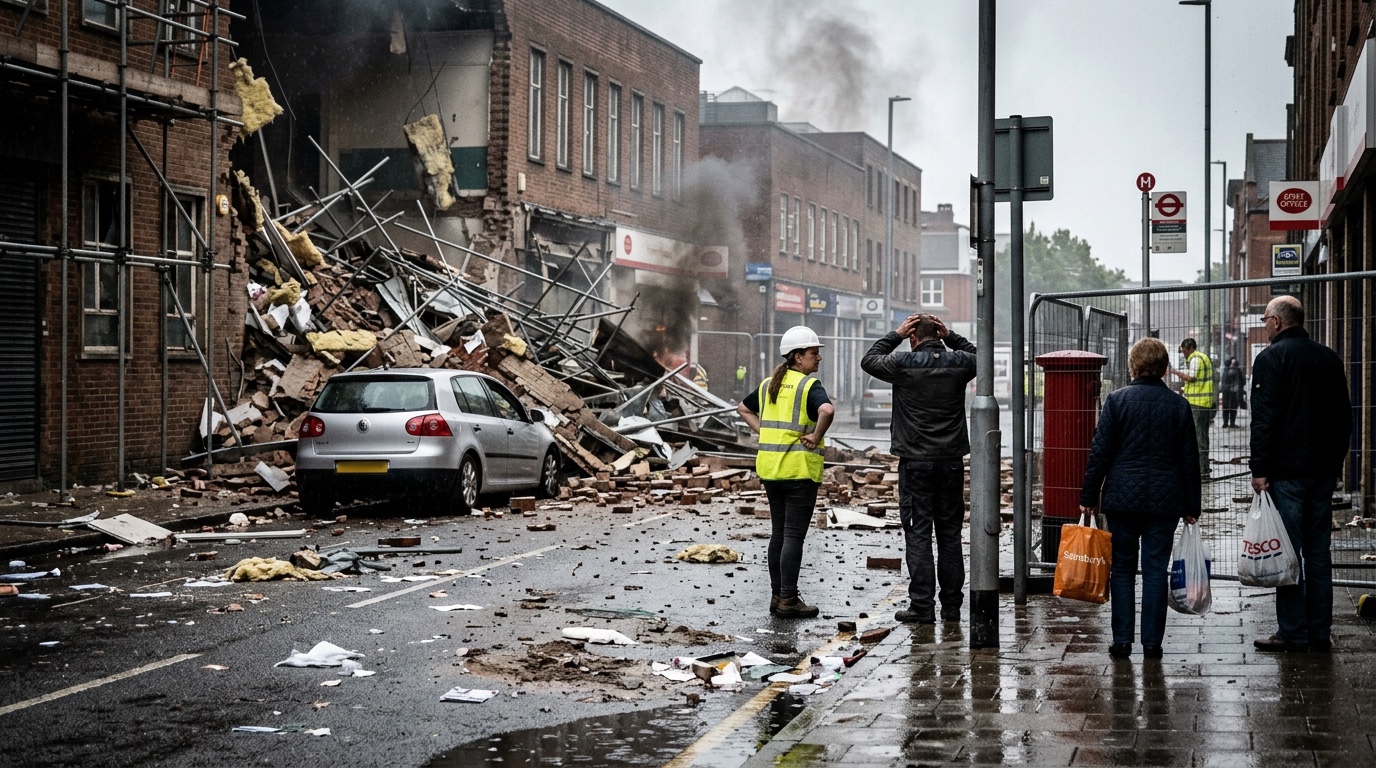
Spot the hazards. Then work the risk assessment.
A real incident scene. Take the sixty-second spot-the-hazards drill, or the full DRA Journey — hazards, who is at risk, what is at stake and what each hazard means for crews, control measures, command decisions — with feedback at each step. Some scenes open with the drive-up on video.
Time 1–8 minutes
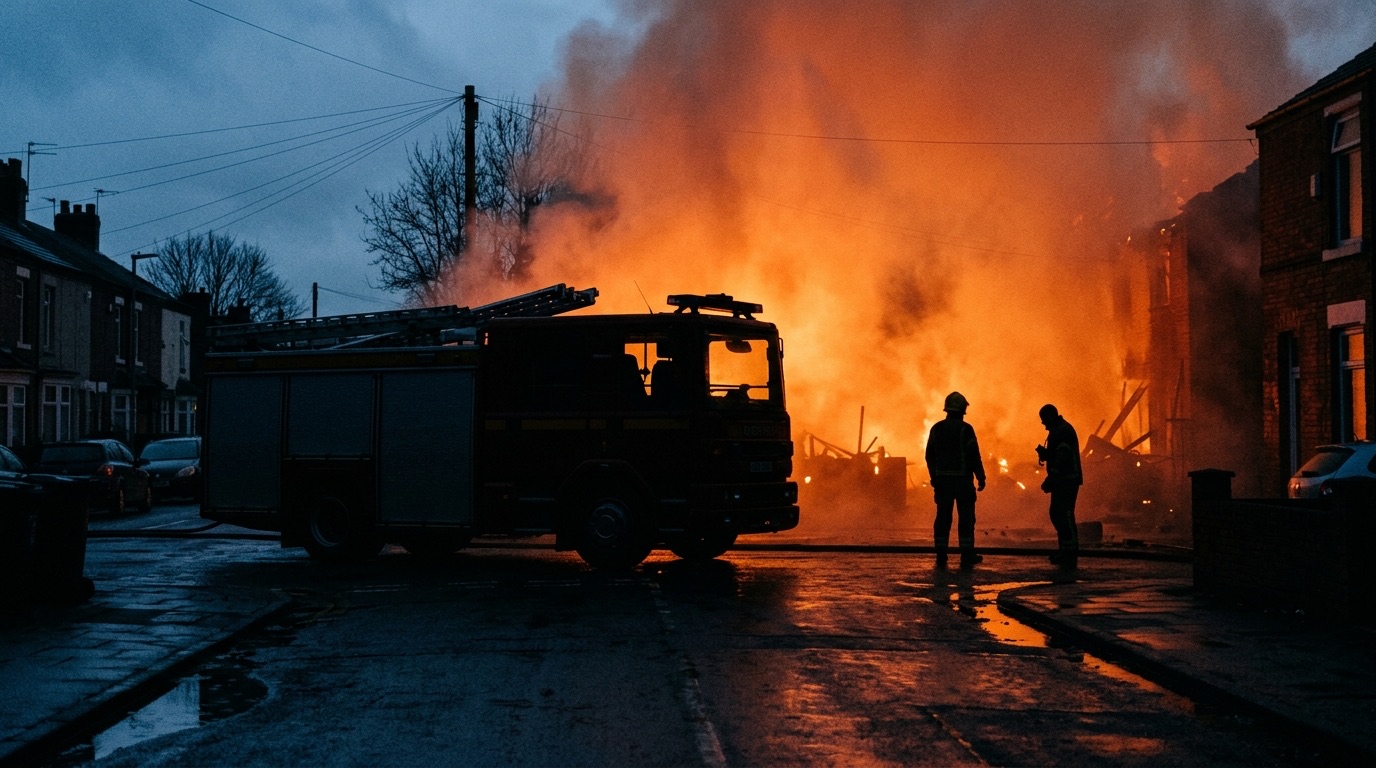
Twelve questions on an incident, solo or as a watch.
Pick an incident type from the library and answer twelve scenario questions on the arrival, the risks and the command decisions. Solo is free; licensed services run it live for the whole watch with a shared leaderboard.
Time 10 minutes
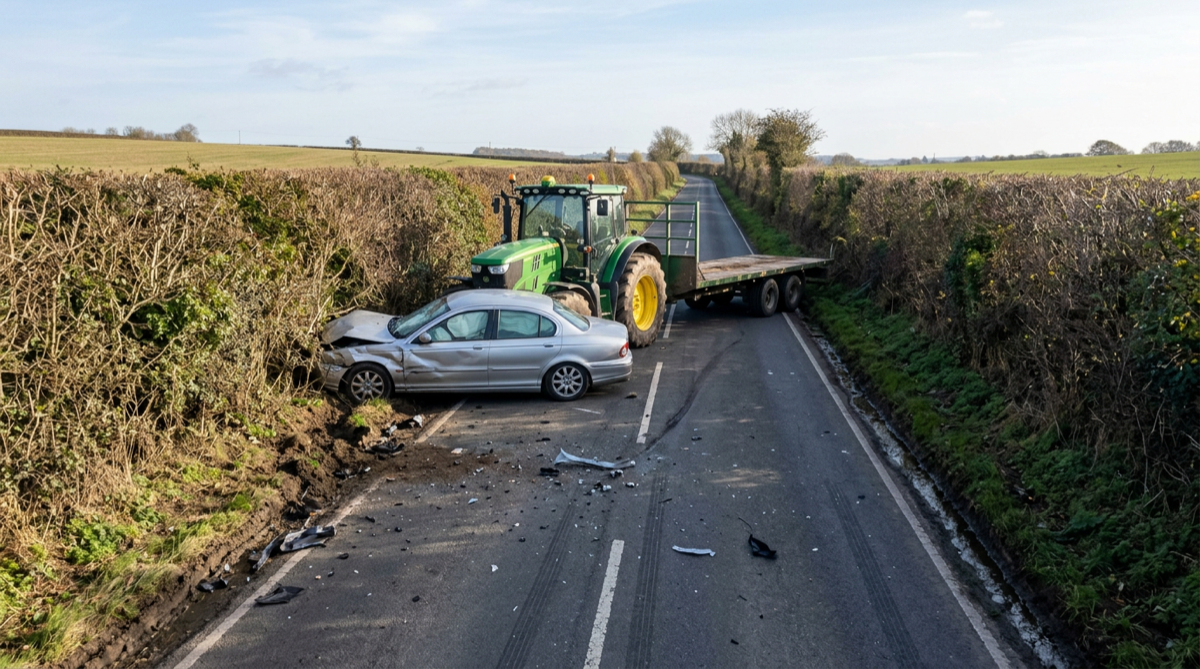
A narrated incident for the whole watch room.
Put it on the big screen. The incident develops in stages with a narrator, and the watch answers command questions as it goes. Try a demo session in one tap.
Time 15–20 minutes
Written for UK fire and rescue. Not adapted from somewhere else.
Built by someone who works in the service
Every quiz started as something a crew needed to practise. If it's here, it has been run on a real training day.
Free, no account, any phone
Open a quiz in the browser on the station tablet or your own phone. Nothing to install, nothing to sign up for, nothing for ICT to approve.
UK incidents, UK procedure
Appliances, roles, radio and risk assessment the way UK services actually do them — and, for licensed services, the way your service does them.
Being able to pre-audit the XVR files the night before meant the morning was about training, not about loading multiple files to select the scenario with events and actors we needed.
Want these quizzes written for your service?
The free quizzes use a generic UK library. A 90-day pilot gives one instructor cohort a private library written for your service — your appliances and callsigns, your local risk types, your SOPs and station risk information — plus per-instructor logging so you can evidence competency over time. We write it with you, onboard the cohort, and hand you an evidence pack for the business case.
- Library written for and localised to your service
- Per-instructor usage logging
- Full toolkit, unlimited use
- Named support & service reporting
- Onboarding + evidence pack
Want these inside your own LMS?
The hazard assessments and quizzes also ship as SCORM 1.2 packs you upload to your learning management system — no hosting, no integration work, nothing calling home. Each pack is a themed course of four to six exercises that records one score and one completion, so results land in your own gradebook and your own competency records. Twelve packs a year, refreshed quarterly, unlimited learners across your service. Free samples are available to download now; the catalogue opens in autumn 2026.
- 12 packs · 6 core + 6 seasonal
- Unlimited learners in your service
- Runs offline · nothing calls home
- Delivered packs are yours to keep
- Free samples to download now
Tools for the people who prepare the training.
The quizzes are the front door. Behind it, the same toolkit covers scene assessment, tabletop packs, XVR scenario files, driving assessment and kit tracking.